


This article will guide you through the process of resetting your password.
Here are the steps to follow;
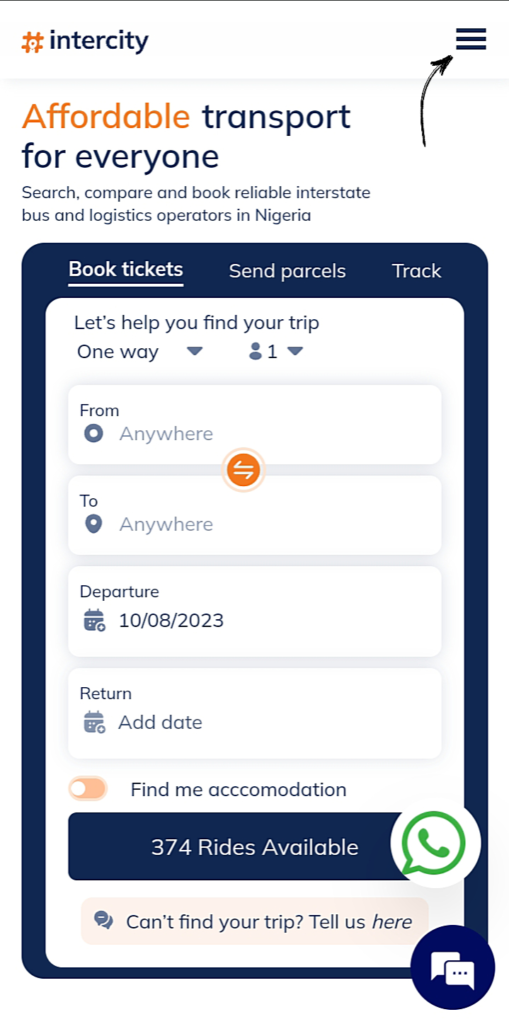
STEP 1 – On the homepage of intercity.ng, click on the three horizontal lines at the top right.
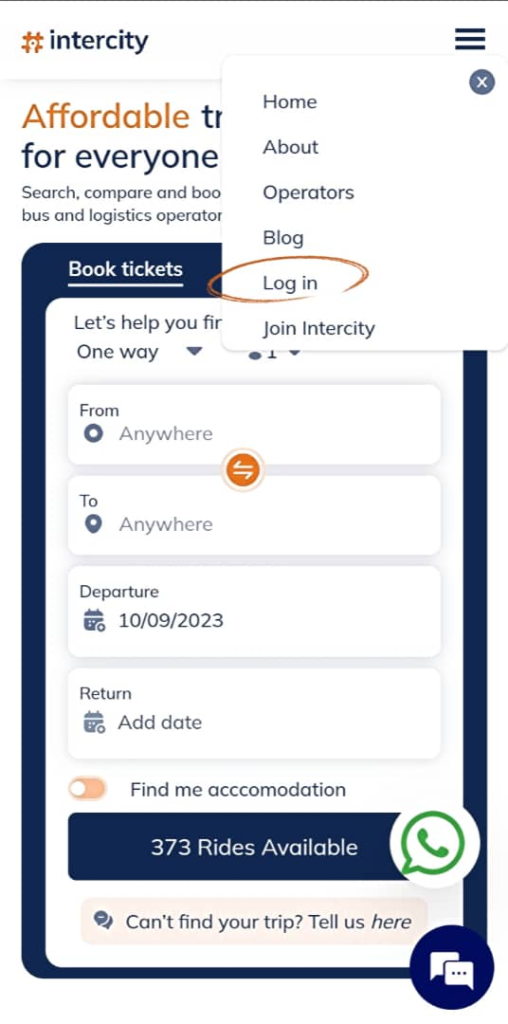
STEP 2 – Click on Log in.
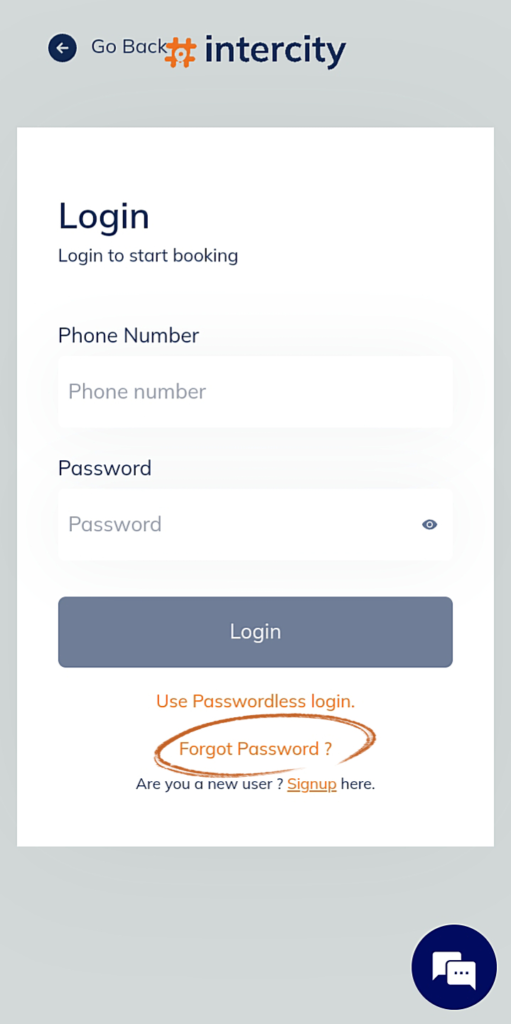
STEP 3 – On the login page, click on forgot password.
STEP 4 – Input the number you used to register and click proceed.
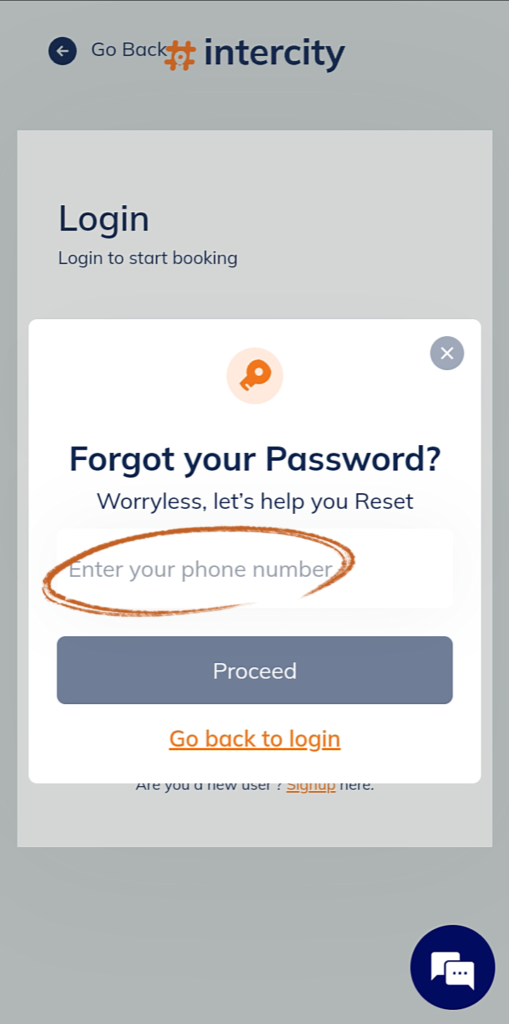

Note. – A reset code would be sent to you via sms, mail, and WhatsApp. Copy and paste
STEP 5 – Type out the reset code sent to you.
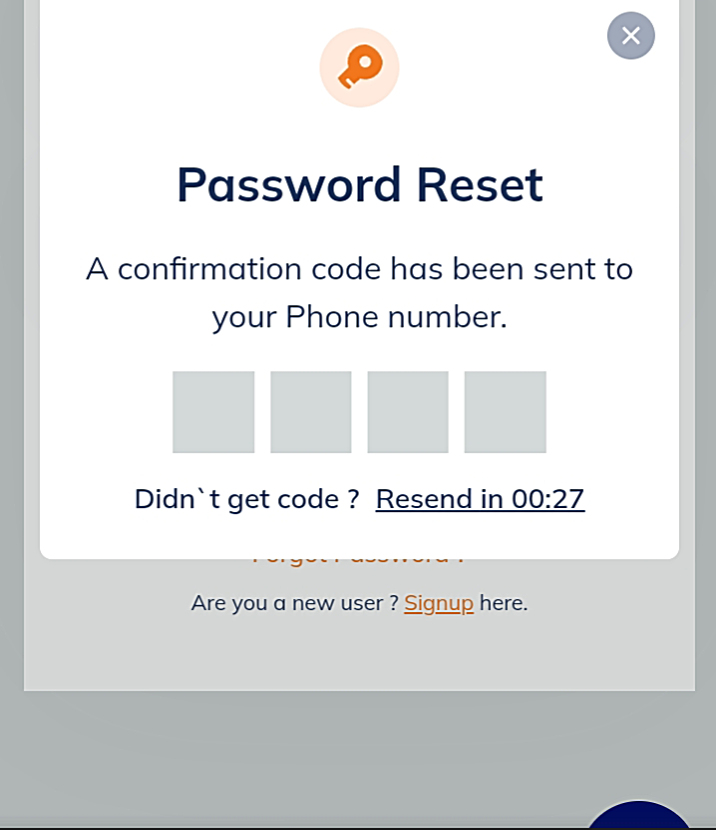
STEP 6 – Input a new password and click on proceed.

For further assistance, call or send a Whatsapp message via 07010069307. I hope this helps!