


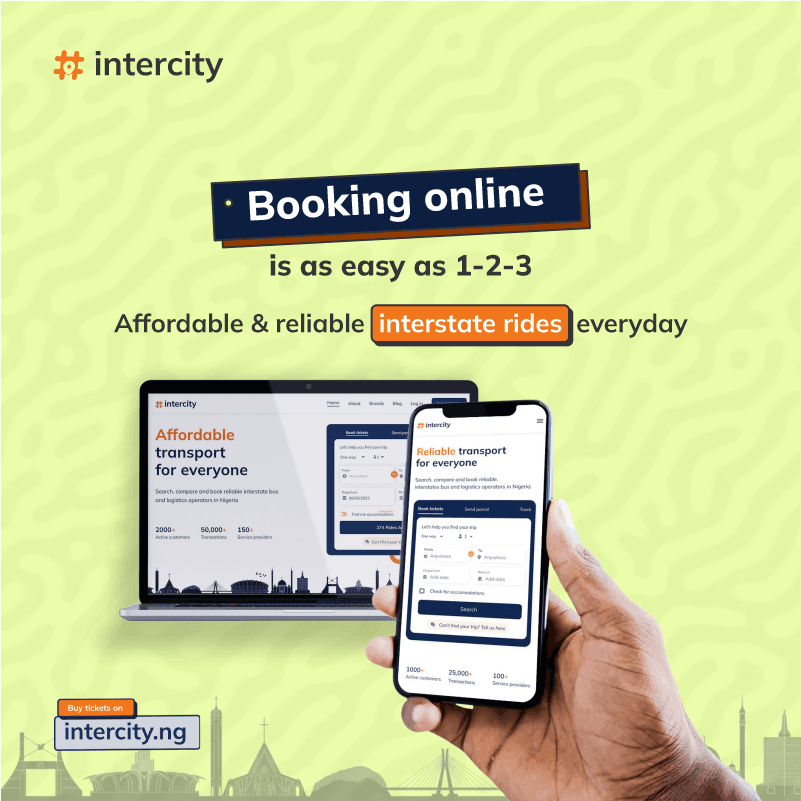
This article will help you navigate through the booking system on intercity.ng and also guide you in securing seats for more than 1 passenger at a go. Maximum of 7 passengers can be booked at once.
Here are the steps to follow;
STEP 1 – On the homepage of intercity.ng, click on the person icon drop down, and select the number of passengers you want to book a ticket for. Select from and to destinations, date of trip and number of rides available.
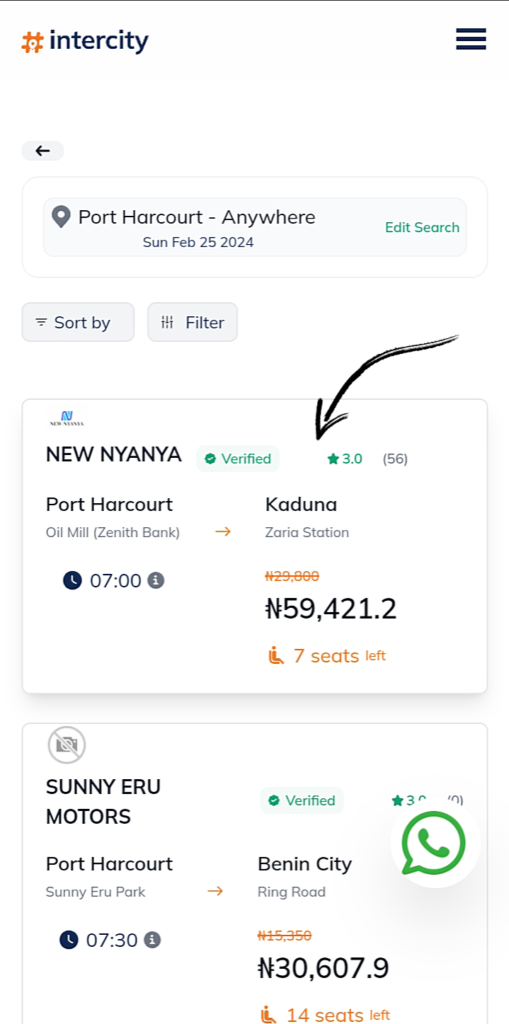
STEP 2 – Scroll down and select your preferred transport company from the list of available transport companies by clicking on ride card.
- There is a wide range of transport companies available on our platform. You can search and compare using transport fares, location, vehicle types and so on.
- The price available is the summation of the original fare multiply by the number of passengers selected
STEP 3 – Select preferred seat number from the available seats.
Note: You can only select seat numbers that isn’t in orange color.
STEP 4 – Fill in passengers’ details.
STEP 5 – Input referral code, If applicable. If not, Click on pay.
STEP 6 – Review passengers’ and payment summary and then select a payment method to make payment.
STEP 7 – After payment has been confirmed, a confirmation SMS will be sent to you and a copy of your e-ticket sent to your registered email.
For further assistance, contact us via 07010069307 ( Whatsapp and phone call) I hope this helps!