


This article will help in navigating your way around the send parcel feature on intercity.ng. Follow the steps below to successfully send a parcel;
- On the home screen of intercity.ng, click on send parcels at the top of the card
- Select the size of parcel
- Click on send a parcel and you would be sent to the next page
- Select destination and departure locations, delivery type and item category
- Fill in sender’s and receiver’s details
- Click on proceed

Note: You can view available pick up and drop off locations closest to you.
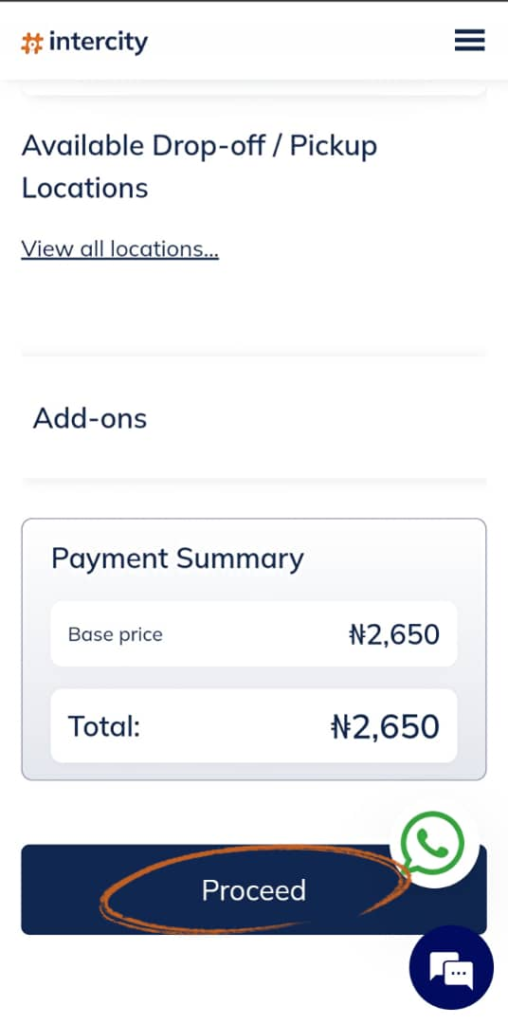
- On the next page, you can review inputted information incase any information needs to be edited
After reviewing, click on make payment
- Select payment gateway
- Intercity wallet
- Paystack
- Monnify
- Select payment method
- Once payment is made you will receive a confirmation text with your parcel code.
- To pay with intercity wallet, wallet balance has to be enough to pay for the trip or parcel
- When door to door delivery is selected, the delivery will be attended to the payment summary
- On the second page, you can change the parcel size
- You can view pick up and drop off locations on the card below the receiver’s details

For further assistance, contact us via 07010069307 ( Whatsapp and phone call) I hope this helps!