



This article will assist you in creating an account with intercity.ng.
Here are the steps to follows;
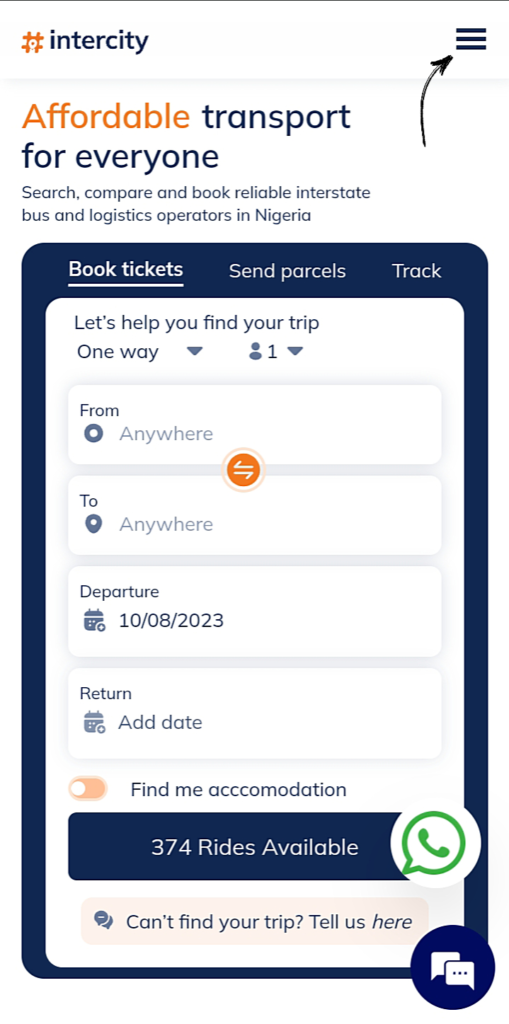
STEP 1 – On intercity.ng home page, click on the menu (three horizontal lines) at the top right.
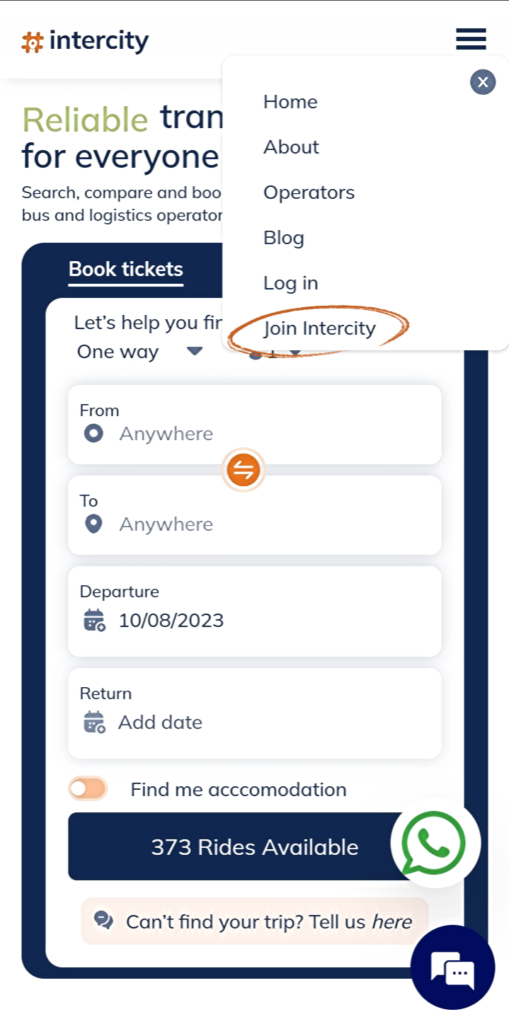
STEP 2 – Click on Join Intercity.
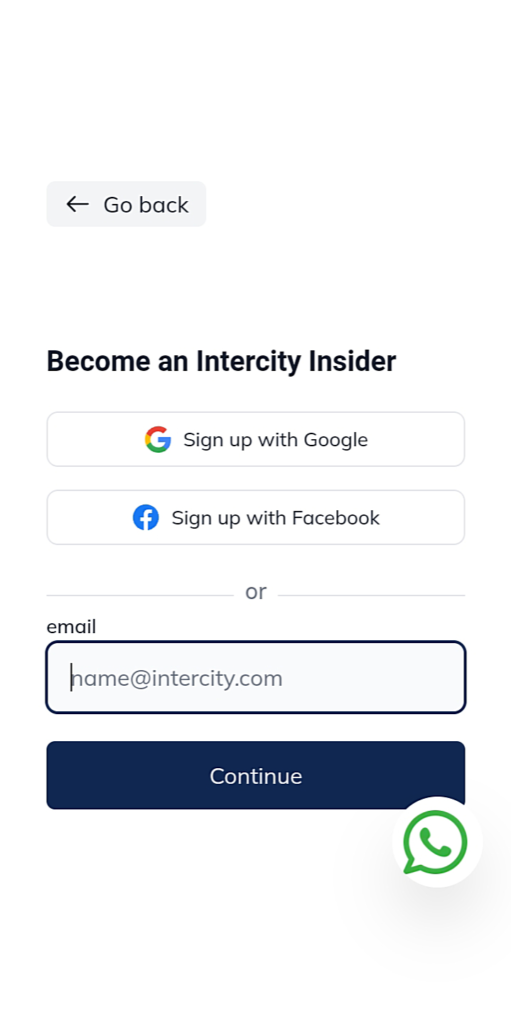
STEP 3 – Input your email address and click on continue. Feel free to also sign up using Google or Facebook
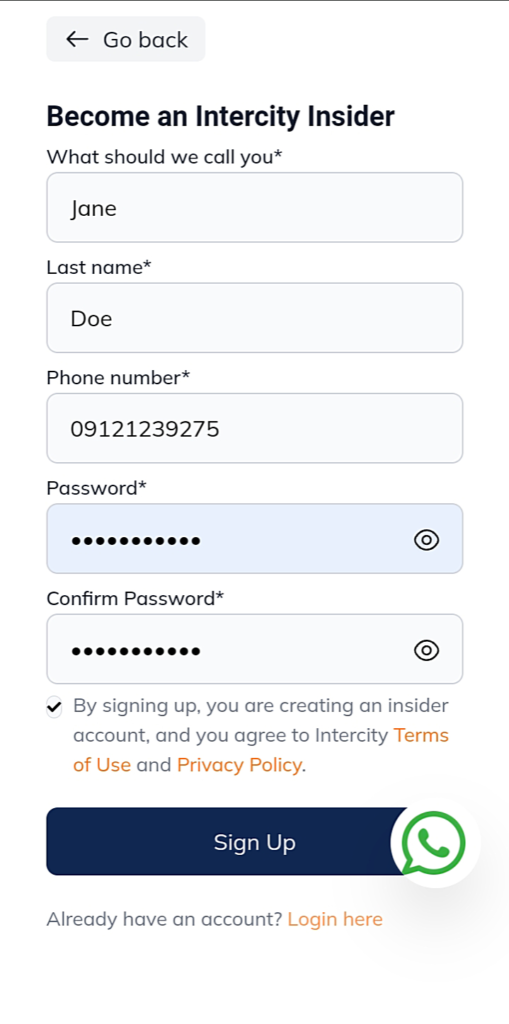
STEP 4 – Fill in your information.
STEP 5 – Input OTP sent to via SMS and mail.
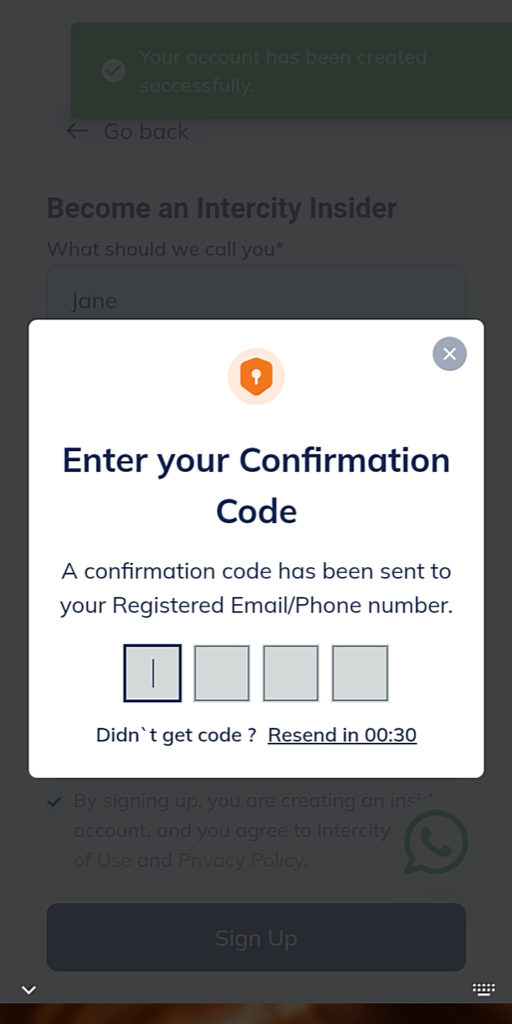
Note: if you didn’t get an OTP, go to the login page and input your login details and the OTP will be resent to you via via text.
For further assistance call or send a WhatsApp message via 07010069307. I hope this helps!